Clear space on your phone
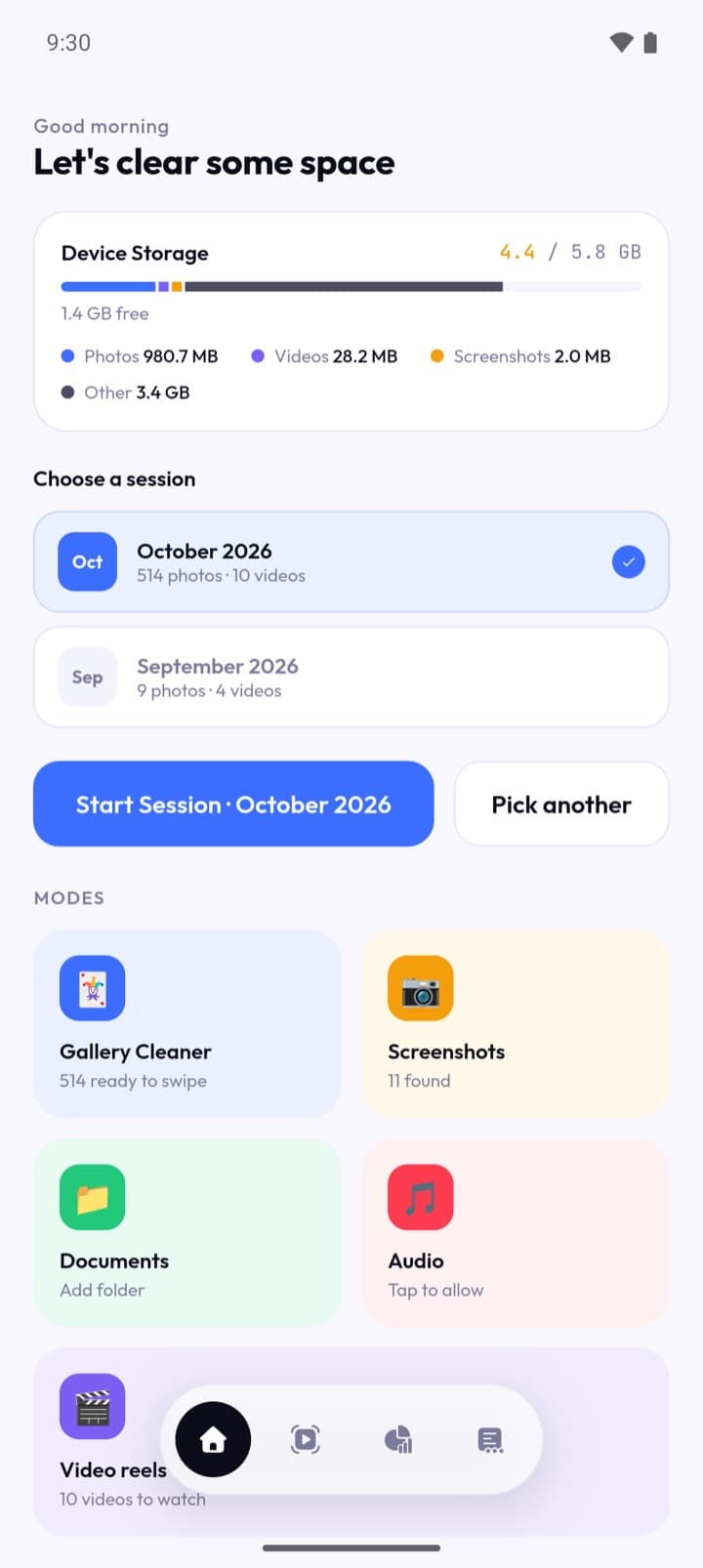
Declutter helps you clear space on your phone. It shows you photos, videos, documents and audio that are already on your device and lets you keep or delete them, one at a time. It is free, it has no ads, and there is nothing in it to unlock.
Declutter reads your photos, videos, documents and audio directly from your phone. None of them are uploaded, copied to a server, or shared with anyone. There is no account to sign into, and no way for anyone else to see your library.
- Platforms
- Android and iOS
- Price
- Free, no ads
Last updated 1 October 2026.
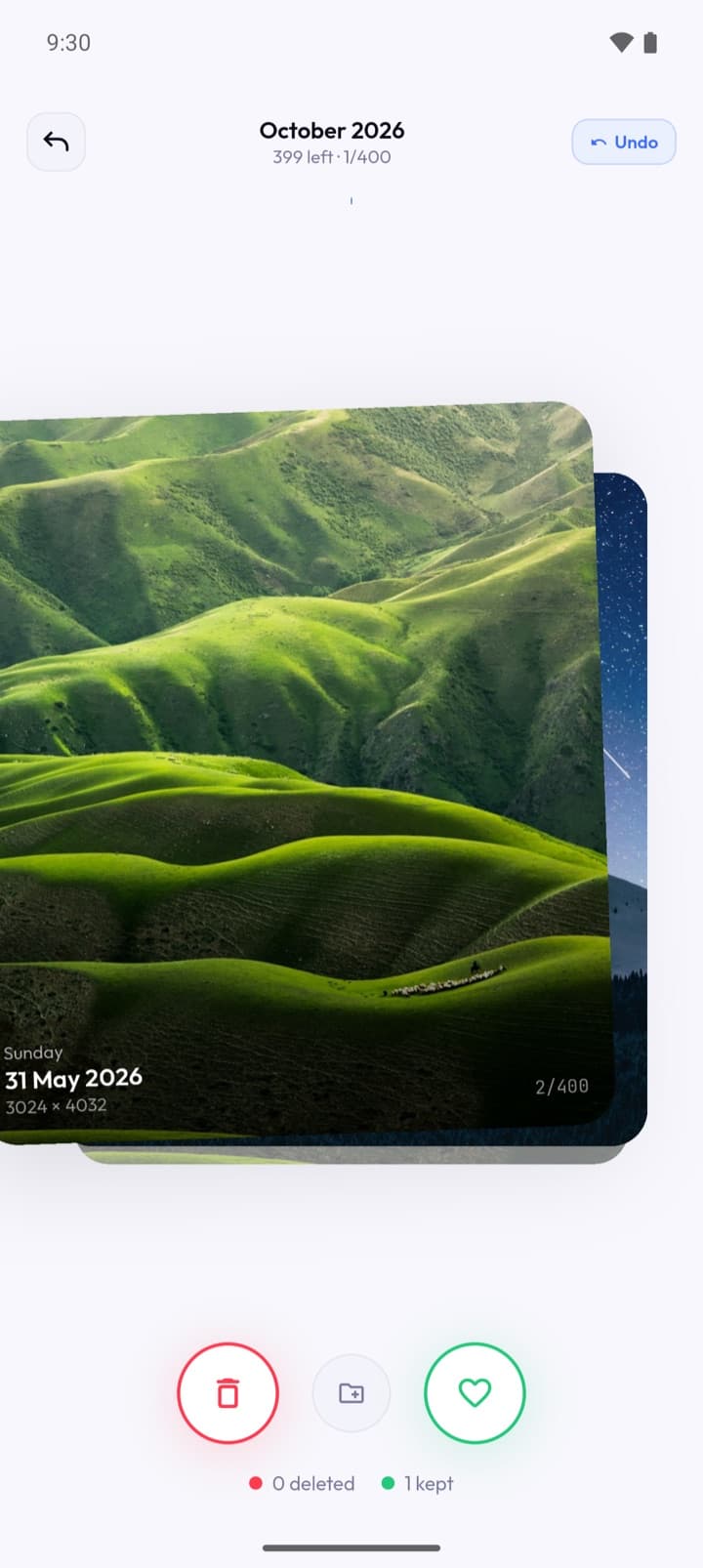
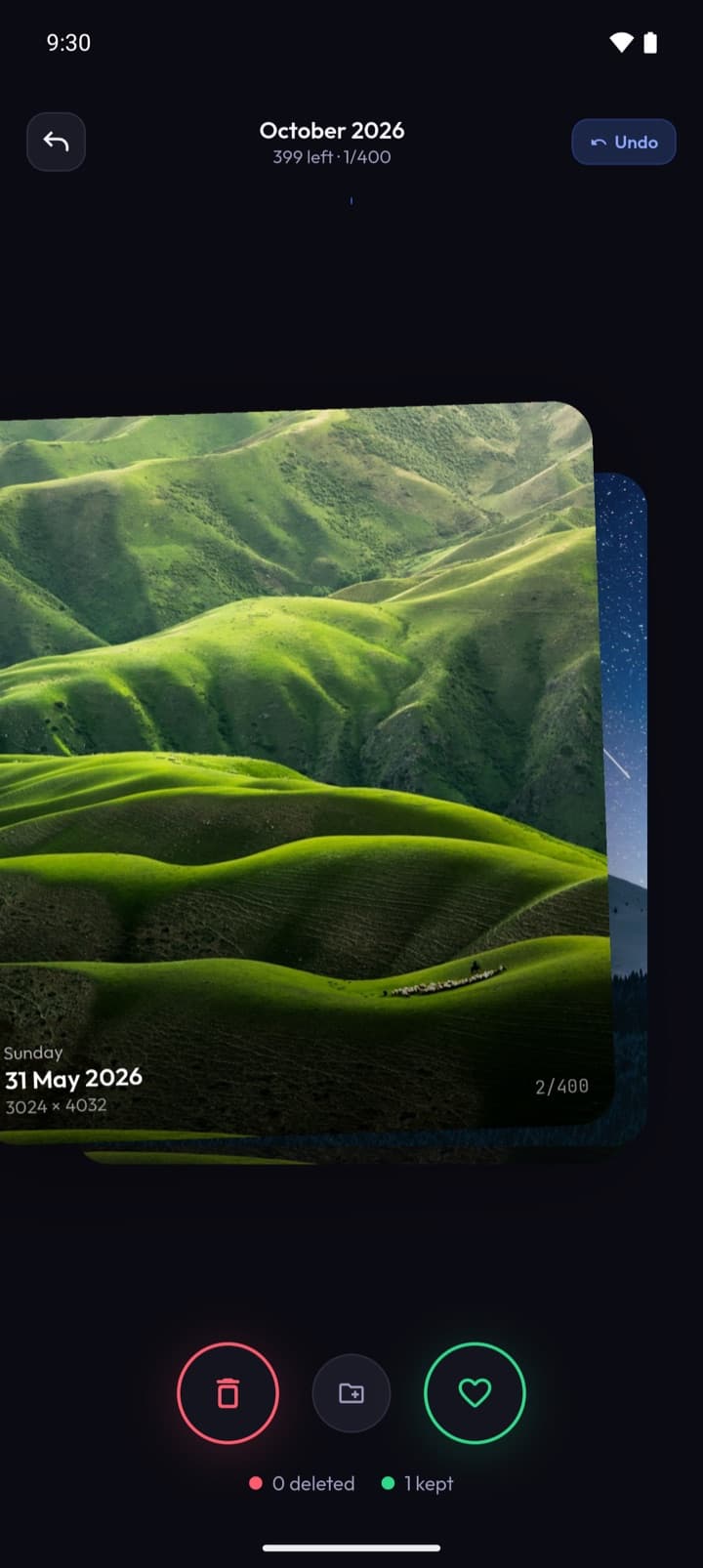
One at a time
Declutter helps you clear space on your phone. It shows you photos, videos, documents and audio that are already on your device and lets you keep or delete them, one at a time. It is free, it has no ads, and there is nothing in it to unlock.
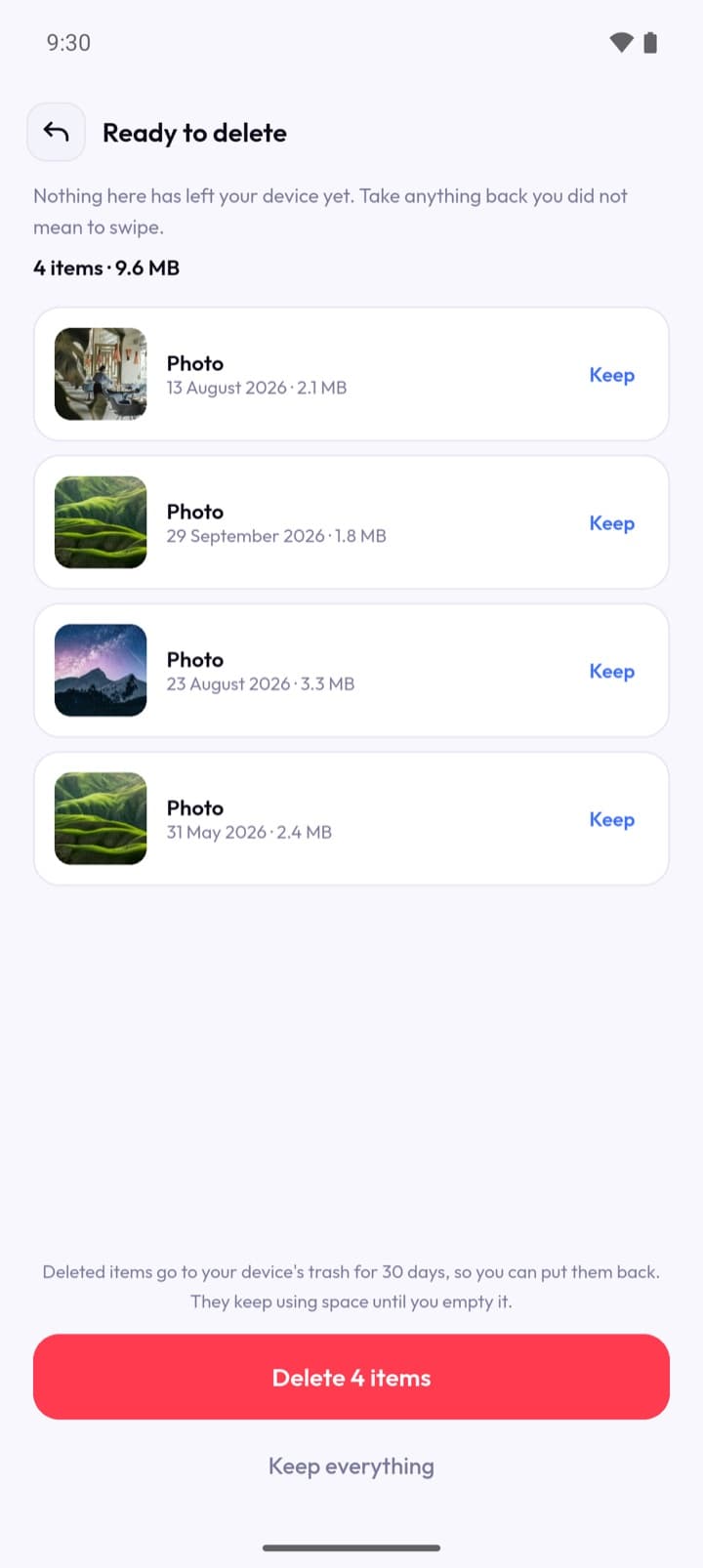
Nothing goes until you say so
Declutter never deletes anything without asking you first. When you confirm, files go wherever your phone sends deleted files — Recently Deleted on iOS, the system trash on Android 11 and later — and can be recovered from there for as long as your phone keeps them. On older Android versions there is no trash, so deletion is immediate and permanent. Declutter tells you which of those applies before you confirm, every time. Once that window has closed, the files are gone and the app cannot bring them back.
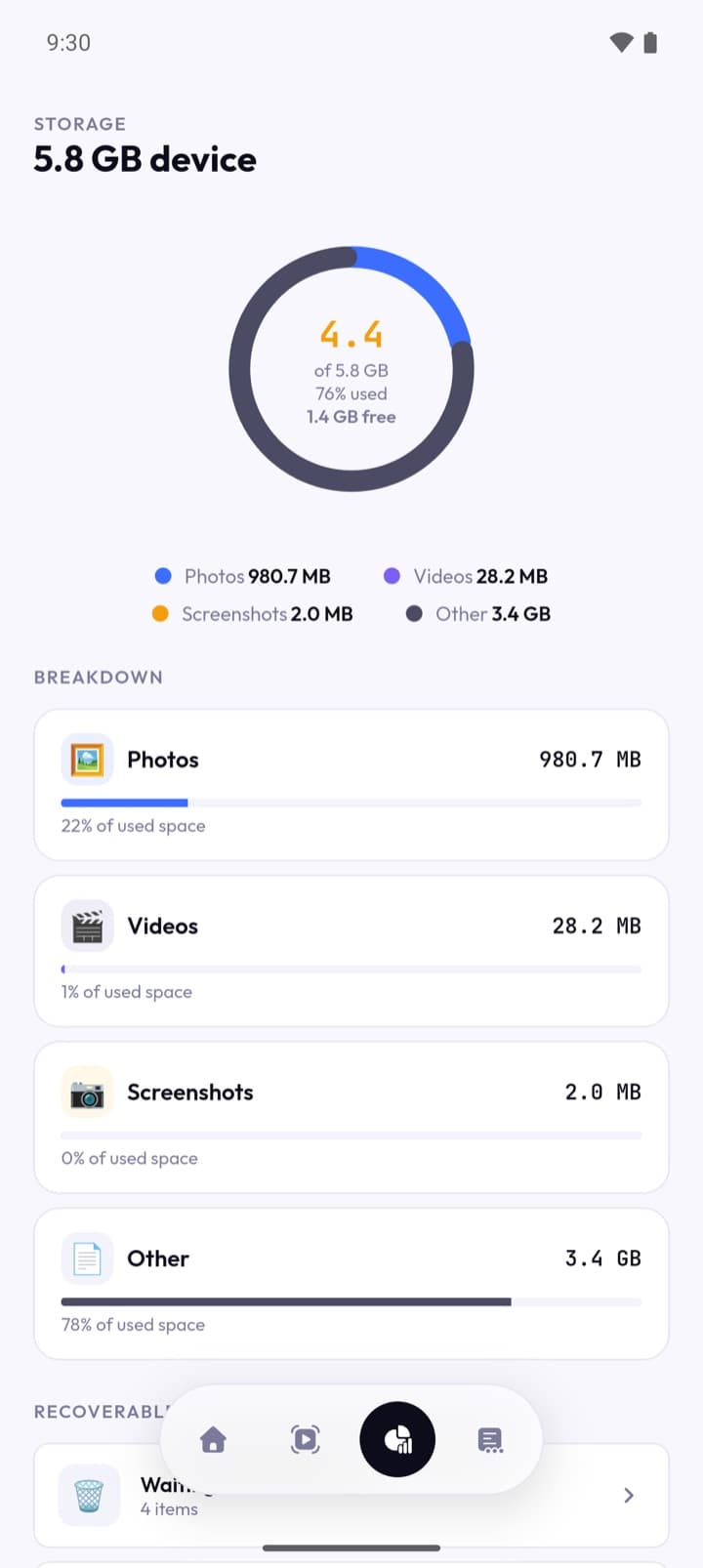
What is actually taking the space
Three things leave your phone, and nothing else. Crash reports. If the app crashes, a technical report is sent so the fault can be found and fixed. It describes what the app was doing, not what your files are. Anonymous usage statistics. Which screens get opened, which modes get used, and whether steps like finishing setup or getting to the end of a session worked out — so effort goes where it is actually needed. It never includes what your files are, how many of them there are, or how much space they take. It is not tied to your name, your phone number or your identity. Whatever you deliberately type. If you send feedback, report a bug or leave a rating, what you wrote is sent, along with your app version, device model and operating system version so the report can be acted on. Your email address is optional, and is only ever used to reply. A rating also carries a random identifier for this installation, so that changing your mind replaces your rating instead of adding a second one. It is generated on your phone, is not linked to you or to anything else you do, and a reinstall produces a new one.